# Snippet injection
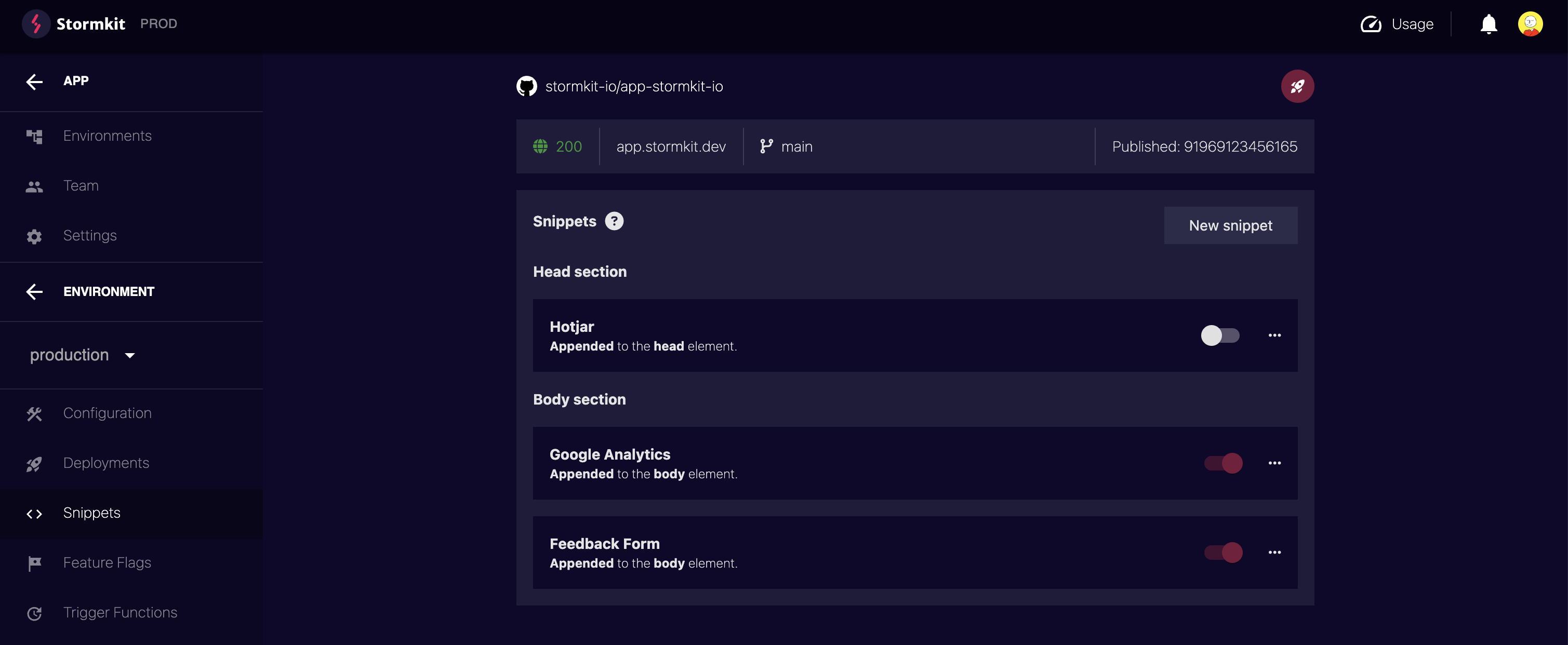
You can inject snippets with Stormkit. This is extremely helpful to manage third party scripts. These snippets are handled at an environment level which makes it possible to inject different snippets based on the environment. To inject a snippet click on an environment and look for the Snippets menu item. This page will display all snippets that are defined for this environment. You can turn them on and off easily with a switch. The effects are immediate, you won't have to redeploy.
## Adding a new snippet
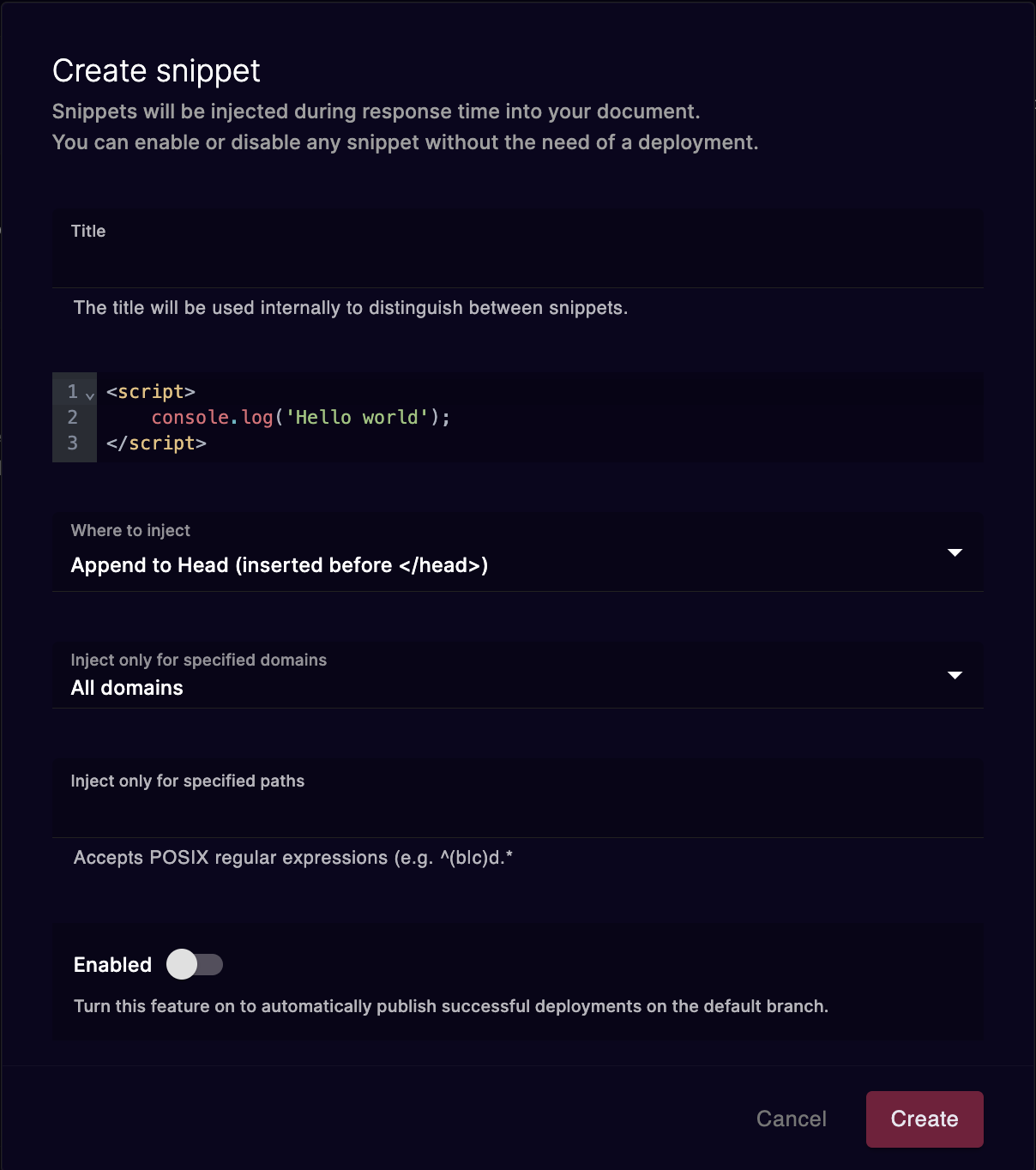
In the same page, click on New snippet. A modal will pop up.
| Setting | Description |
| ------------ | ----------- |
| **Title** | The title is used internally to describe what the snippet is about. |
| **Content** | This is the content that will be injected in the document. |
| **Location** | The location specifies where to inject the snippet. You can inject it in either body or head and you can either append or prepend them. |
| **Enabled** | Whether the snippet is enabled or disabled. Effects are immediate, you won't have to redeploy. |
| **Hosts** | Stormkit allows you to configure multiple domain names for your project. You can apply specific snippet for each domain.|
| **Path** | The regular expression determines where the snippet will be applied. You can test your expression via [regex101](https://regex101.com/r/dX8cN8/1)|